
The 12 Best Apps for Landlords to Streamline Your Rentals in 2026
- Sarah Porter

- Feb 5
- 17 min read
Updated: Feb 14
Managing rental properties in 2024 requires more than just a spreadsheet and a good memory. From chasing late rent and screening applicants to coordinating emergency repairs and handling accounting, the daily grind can quickly become overwhelming, especially as you scale. The constant multitasking leads to administrative burnout, missed opportunities, and costly errors. The right technology doesn't just simplify these tasks; it transforms your ability to manage your portfolio efficiently, reduce vacancies, and maximize profitability.
This guide cuts through the noise to showcase the 12 best apps for landlords, saving you hours of research. We'll move beyond generic marketing claims to provide a comprehensive, hands-on analysis of each platform. This resource is designed to help you find the perfect tech stack for your specific needs, whether you manage a single condo or a growing portfolio of apartment buildings. You will learn about tools that specialize in everything from rent collection and maintenance tracking to full-service property management.
We will dive deep into the practical features, honest pros and cons, and ideal use cases for each tool. For every app reviewed, you'll find direct links and screenshots to give you a clear picture of its interface and functionality. Our goal is simple: to help you move from being an overworked landlord to a savvy, streamlined property owner who leverages the best digital tools available.
1. Apple App Store (iOS/iPadOS)
While not a single app, the Apple App Store is the essential starting point for any landlord managing their portfolio on an iPhone or iPad. It serves as a secure, curated marketplace to discover and download some of the best apps for landlords, from comprehensive property management suites to specialized tools for inspections or accounting. The platform’s value lies in its stringent vetting process, ensuring that the apps you install meet specific privacy and security standards.
The user experience is seamless. One-tap installs, integrated in-app subscriptions, and automatic updates across your devices simplify app management. Each app listing includes detailed privacy labels, user reviews, and ratings, which help you make informed decisions before downloading. For instance, you can easily compare the features of platforms like Landlord Studio or RentRedi directly within the store.
Key Details & Usage Tips
Access: Available exclusively on Apple devices (iPhone, iPad).
Cost: The store itself is free; individual app pricing varies (free, freemium, paid, subscription).
Pro Tip: Use specific search terms like "landlord expense tracker" or "tenant screening iOS" to uncover niche apps that might not appear in a general "landlord" search. Pay close attention to the "Last Updated" date to ensure the app is actively maintained.
Pros & Cons
Pros | Cons |
|---|---|
Strong security and privacy controls | Exclusive to iOS, excluding Android users |
Huge selection of verified, native apps | Top-tier apps often require subscriptions |
Simple installation and update management | Search algorithm can bury new or niche apps |
Website: apps.apple.com
2. Google Play Store (Android)
For landlords and property managers rooted in the Android ecosystem, the Google Play Store is the primary gateway to a vast array of property management tools. It functions as the official, secure marketplace for discovering, downloading, and managing some of the best apps for landlords available on Android phones, tablets, and even Chromebooks. Its key advantage is the sheer volume and variety of applications, from all-in-one platforms to niche tools for specific tasks like rent collection or maintenance ticketing.
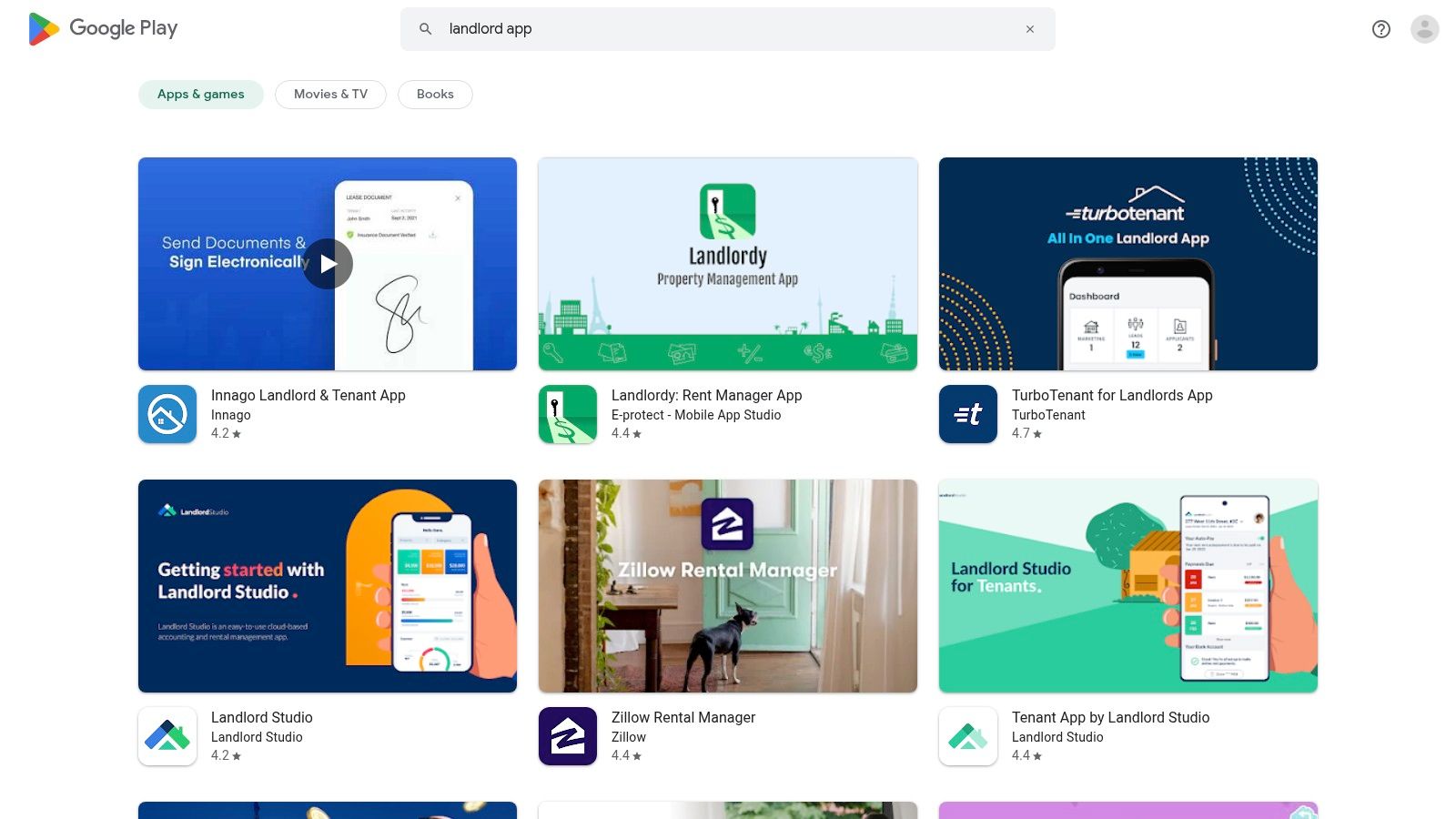
The user experience is straightforward, with one-click installations and seamless updates managed automatically across your signed-in devices. Each app listing provides crucial decision-making information, including user reviews, average star ratings, and the total number of installs, which can indicate an app's popularity and reliability. This data allows landlords to quickly gauge the quality of an app like Avail or TenantCloud before committing to a download.
Key Details & Usage Tips
Access: Available on all certified Android devices (phones, tablets, Chromebooks).
Cost: The store is free to use; app pricing varies (free, freemium, one-time purchase, subscription).
Pro Tip: Look beyond the average rating and read the most recent user reviews to understand current bugs or praiseworthy features. Use the install count as a rough proxy for an app’s stability and market adoption.
Pros & Cons
Pros | Cons |
|---|---|
Broad app availability and competitive pricing | App quality varies considerably; requires careful evaluation |
Works across a wide range of phones, tablets, and Chromebooks | Some useful apps may be limited to specific regions |
Extensive user reviews and install metrics for evaluation | Finding the best tools can require specific search queries |
Website: play.google.com
3. Buildium
Buildium is a comprehensive, full-stack property management software designed for landlords and professional managers with growing portfolios. It moves beyond basic rent collection, offering an end-to-end platform that handles accounting, leasing, maintenance, and communications. Its strength lies in its mature, professional-grade workflows, making it one of the best apps for landlords scaling from a few units to a mid-sized portfolio.
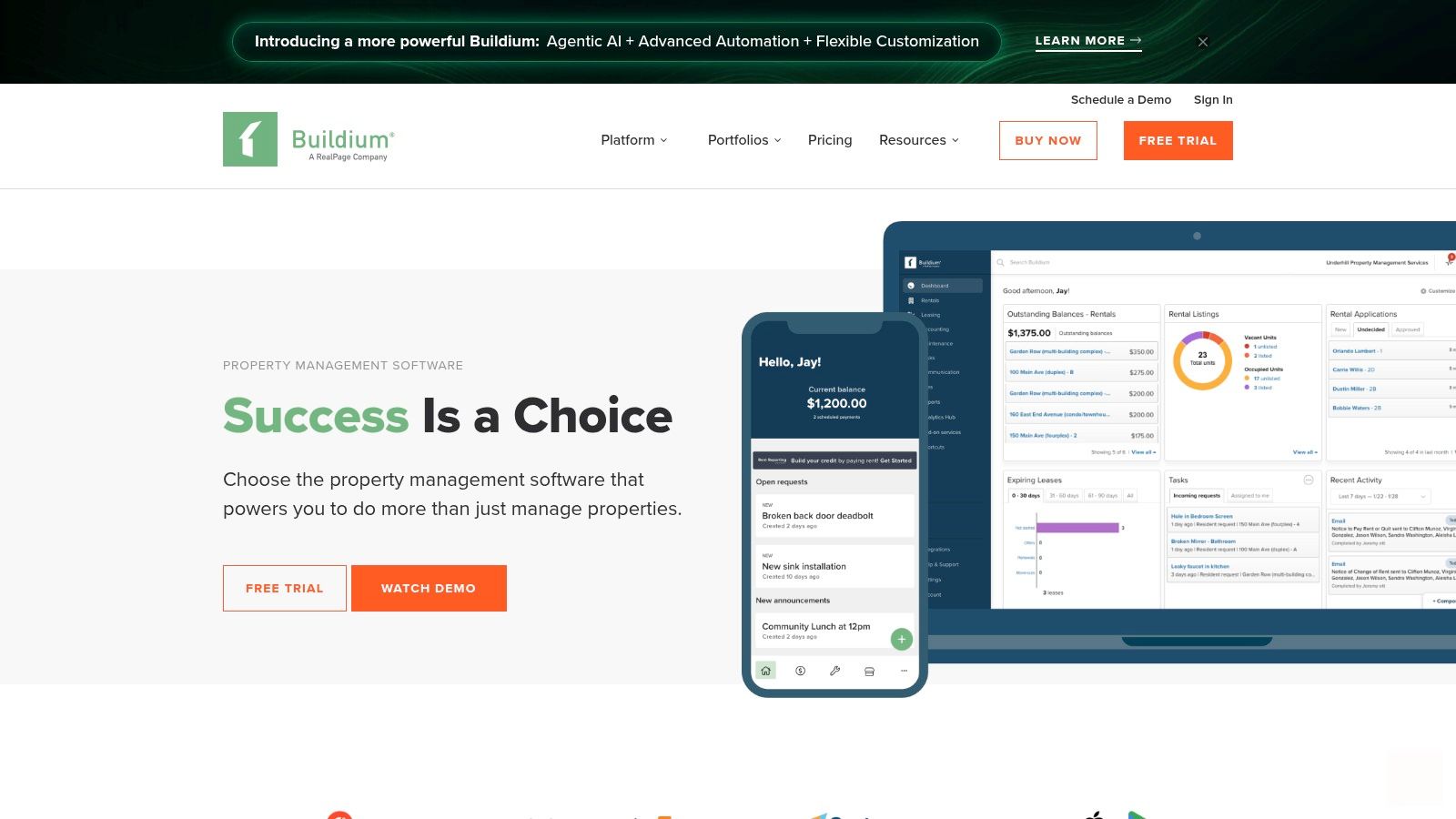
The platform provides dedicated portals for residents and owners, streamlining communication and document sharing. Features like eLeasing with eSignatures, robust tenant screening, and a detailed work order management system allow landlords to professionalize their operations. While it might be overkill for a single-property owner, its ability to scale and integrate with other services makes it a powerful contender. For a deeper look at how it stacks up against alternatives, check out this detailed property management software comparison.
Key Details & Usage Tips
Access: Web-based platform with companion mobile apps for iOS and Android.
Cost: Subscription-based, starting with the "Essential" plan. Pricing tiers are based on the number of units you manage.
Pro Tip: Take full advantage of the resident portal to reduce administrative tasks. Set it up so tenants can submit maintenance requests and pay rent online, which automatically logs transactions in your accounting ledger.
Pros & Cons
Pros | Cons |
|---|---|
Mature ecosystem with powerful integrations | Higher entry price than many freemium tools |
Scales effectively from dozens to hundreds of units | Overkill for landlords with only one or two properties |
Comprehensive accounting and reporting tools | Can have a steeper learning curve than simpler apps |
Website: www.buildium.com
4. AppFolio Property Manager
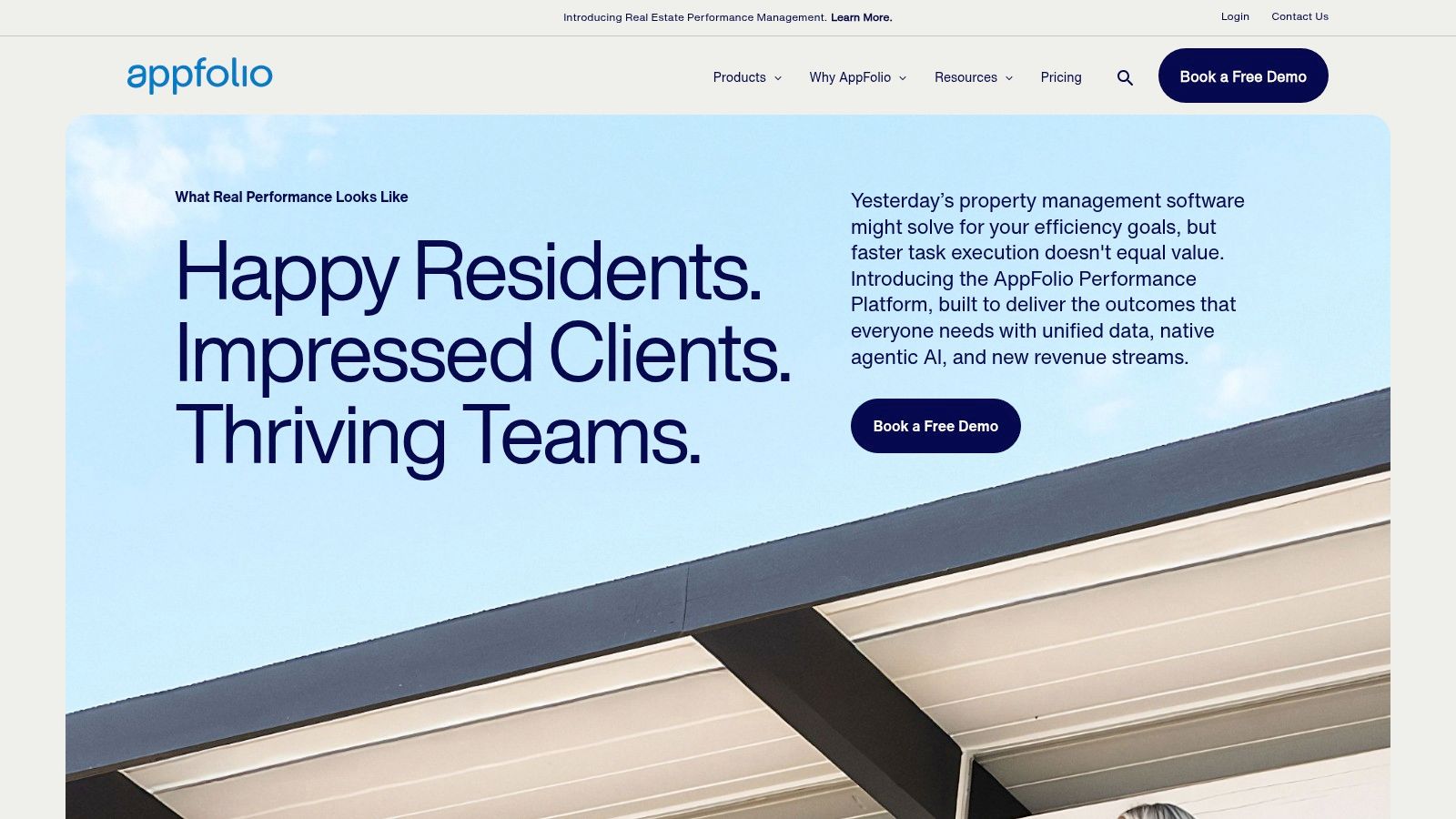
For landlords managing large residential, commercial, or mixed-use portfolios, AppFolio Property Manager is an enterprise-grade platform designed for scale. It moves beyond basic landlord tools into a full-fledged business management solution, consolidating advanced accounting, leasing, maintenance, and marketing into a single, cohesive system. Its standout features are built for efficiency, leveraging AI for smart bill entry, automated leasing workflows, and sophisticated communication tools.
Unlike apps targeting DIY landlords, AppFolio is engineered for professional property managers and investors overseeing dozens or even hundreds of units. The platform provides comprehensive reporting dashboards, owner portals for transparent communication with investors, and advanced analytics to inform business strategy. This focus on scale and professional management makes it one of the best apps for landlords with significant operational complexity.
Key Details & Usage Tips
Access: Primarily a web-based platform with accompanying mobile apps for iOS and Android.
Cost: Custom pricing requires a sales consultation; typically involves a per-unit monthly fee and potential onboarding costs. A minimum portfolio size is often required.
Pro Tip: Fully utilize the platform's training and onboarding resources. The depth of its features means there is a steeper learning curve, but mastering its accounting and reporting tools can unlock significant operational efficiencies and insights for your portfolio.
Pros & Cons
Pros | Cons |
|---|---|
Market leader for scale and feature depth | Overkill for very small or single-property landlords |
Powerful AI-assisted workflows and automation | Pricing and minimums require contacting sales |
Robust investor portals and advanced accounting | Onboarding fees and implementation time may be significant |
Website: www.appfolio.com
5. DoorLoop
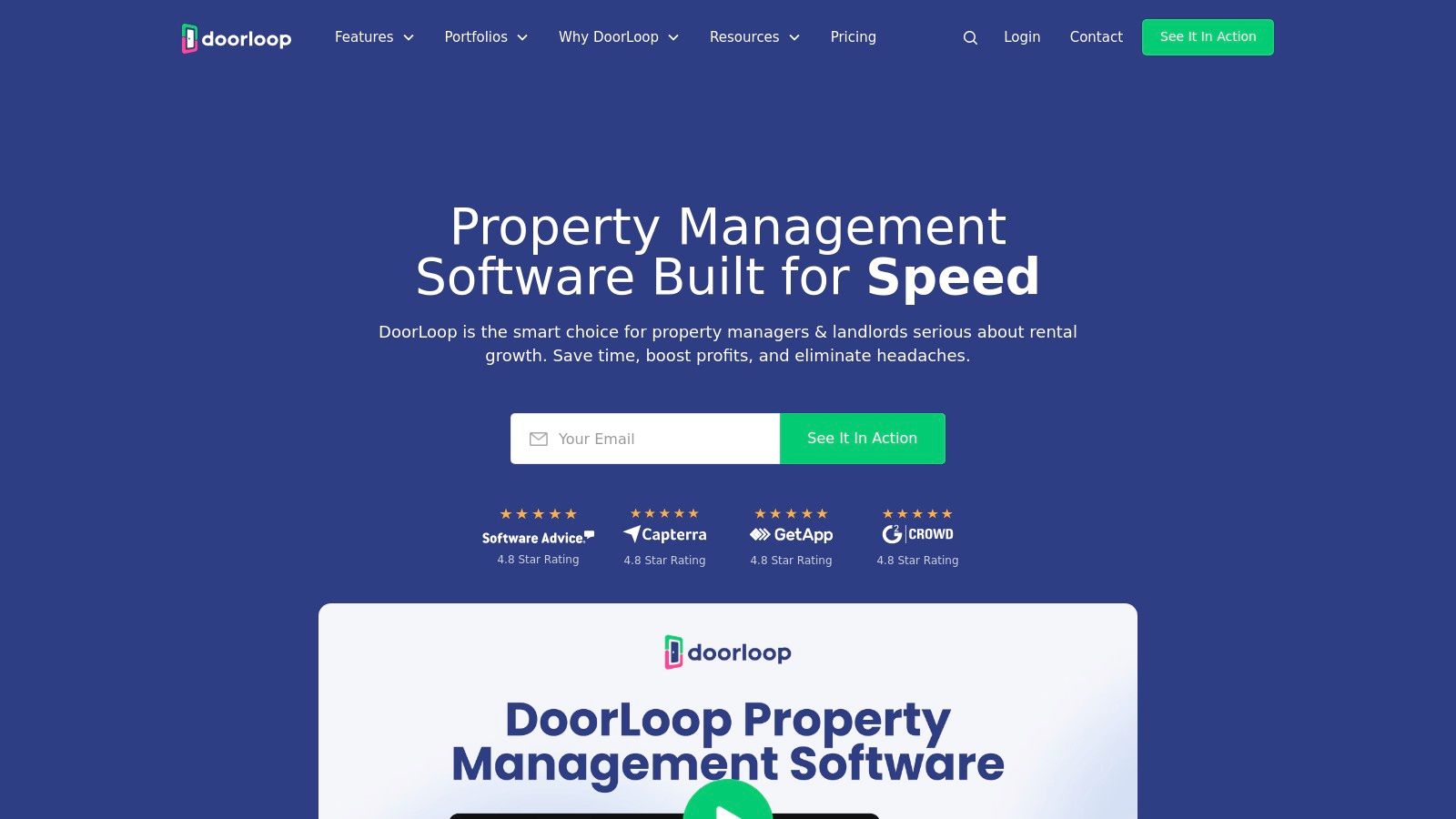
DoorLoop is a comprehensive, all-in-one property management platform designed to streamline operations for small to mid-sized portfolios. It stands out with its modern interface, fast setup process, and a feature set that covers the entire rental lifecycle, from listing syndication to financial reporting. Landlords can manage tenant communications, maintenance requests, and accounting from a single, centralized dashboard, making it one of the most versatile best apps for landlords available.
The platform offers a robust tenant portal for online rent collection via ACH, credit cards, and even Apple or Google Pay. It also integrates tenant screening through TransUnion and facilitates electronic lease signing. A key differentiator is its support for API access and Zapier integration, allowing for greater customization and connection with other business tools you might already use.
Key Details & Usage Tips
Access: Web-based platform with dedicated iOS and Android mobile apps.
Cost: Subscription-based, starting with a Starter plan and scaling up. An onboarding fee applies, and transaction fees exist for certain services like tenant screening.
Pro Tip: Take advantage of DoorLoop's frequent promotional pricing for new customers to lock in a lower rate. Before committing, carefully review the add-on fees for services like eSignatures or tenant screening to accurately project your total monthly cost.
Pros & Cons
Pros | Cons |
|---|---|
Transparent plan matrix and feature breakdown | Add-on fees for some services can increase total cost |
Full API and Zapier integration support | Onboarding fee is based on portfolio size |
Priority/VIP support available on higher tiers | May be overly complex for a single-property landlord |
Website: doorloop.com
6. TenantCloud
TenantCloud is a versatile, cloud-based platform designed for landlords who need a robust, all-in-one solution without a hefty price tag. It strikes a balance between providing powerful tools for DIY landlords and scaling up for mid-size property managers. Its core strength lies in its comprehensive feature set, covering everything from listing syndication and tenant screening to online rent collection, maintenance management, and detailed financial reporting.
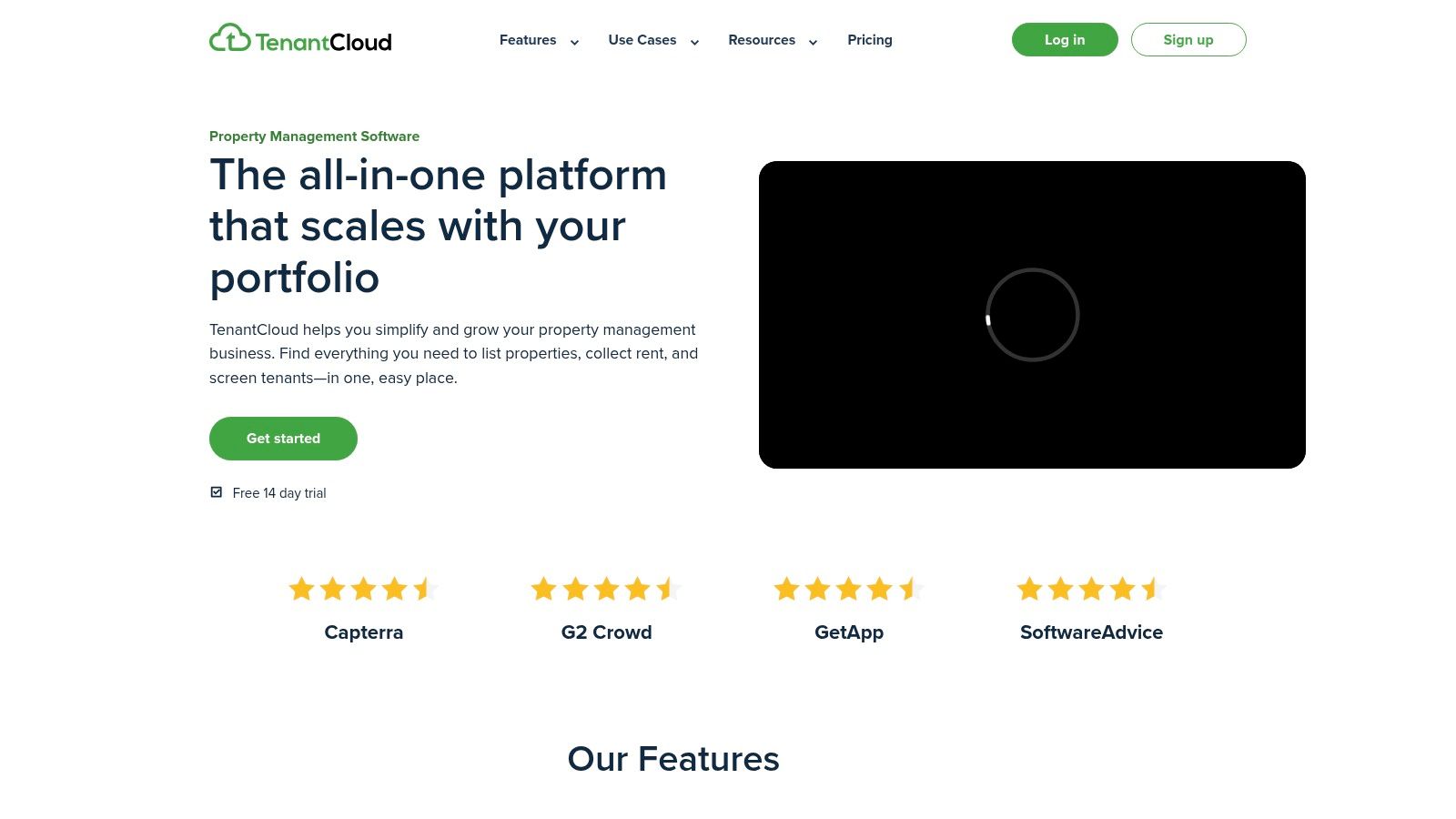
The platform is built around creating a seamless ecosystem for both landlords and tenants. Tenants get their own portal to pay rent, submit maintenance requests, and communicate, which streamlines operations significantly. For landlords, the ability to manage listings, process applications, and track finances in one place makes it one of the best apps for landlords seeking efficiency and organization. Its flat-fee pricing model is particularly appealing to those managing a growing portfolio who want predictable costs.
Key Details & Usage Tips
Access: Web-based platform with dedicated iOS and Android mobile apps.
Cost: Offers a free plan for up to 75 units; paid plans (Starter, Growth, Business) start at a flat monthly rate and unlock more advanced features.
Pro Tip: Utilize the full tenant portal functionality by inviting your tenants to the platform. This centralizes communication and maintenance requests, creating a clear and documented history for every interaction and issue.
Pros & Cons
Pros | Cons |
|---|---|
Competitive flat-rate monthly pricing plans | Some premium functions are gated to higher-tier plans |
Comprehensive owner and tenant portal | ACH and card processing fees are typically paid by tenants |
Includes listings, applications, and leasing | The user interface can feel complex for new users |
Website: tenantcloud.com
7. Avail (by Realtor.com)
Backed by the powerful Realtor.com network, Avail is a comprehensive platform designed to streamline the entire rental lifecycle for DIY landlords. It stands out by offering a robust free tier that covers essential functions, making it one of the best apps for landlords just starting out. The platform provides tools for every stage, from listing your property and screening applicants to executing state-specific digital leases and managing maintenance requests.
The user experience is clean and guided, walking you through processes like tenant screening and lease creation with helpful prompts. Avail syndicates listings to top rental sites like Zillow, Trulia, and Realtor.com, maximizing visibility. A key advantage is its focus on legal compliance, with lawyer-reviewed lease templates that can be customized. Its rent collection system is also a core feature, and you can learn more about how a dedicated rent collection service can simplify your rental income to see if it fits your needs.
Key Details & Usage Tips
Access: Web-based platform with a mobile-friendly interface.
Cost: "Unlimited" plan is free for landlords. The "Unlimited Plus" plan is $7/unit per month for premium features.
Pro Tip: Use the free plan to manage your first few properties. As your portfolio grows, evaluate the "Unlimited Plus" plan for its time-saving benefits like FastPay for next-day rent deposits and the ability to add custom lease clauses.
Pros & Cons
Pros | Cons |
|---|---|
Strong free tier for core landlord tasks | Advanced features require a paid plan |
US-focused legal forms and guidance | Per-unit pricing can add up for larger portfolios |
Syndicates listings to multiple top sites | Some users report a learning curve for new features |
Website: avail.co
8. Innago
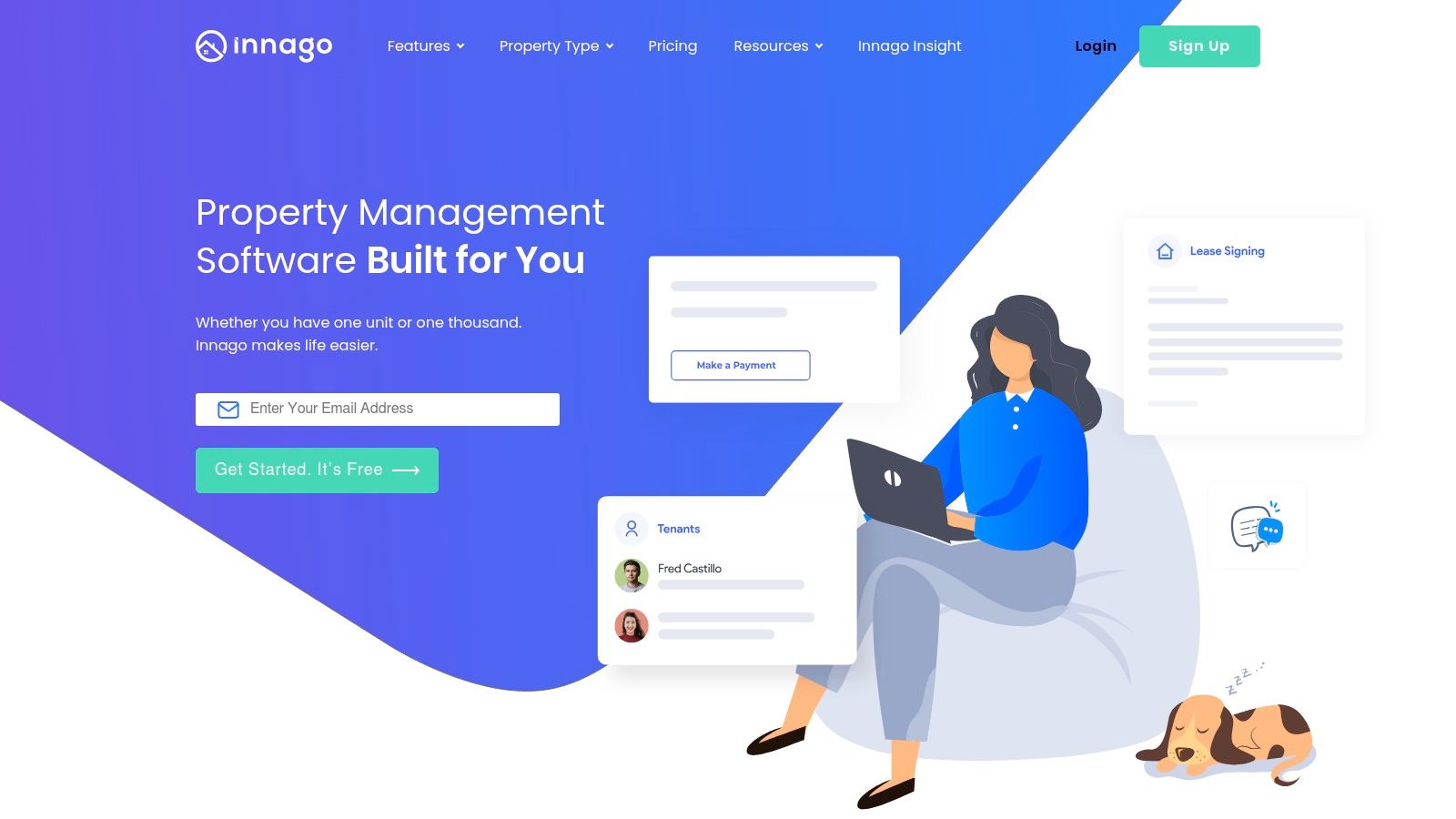
Innago has carved out a unique space by offering a completely free-to-use property management platform for landlords. Instead of a monthly subscription, its business model shifts the cost of certain services, like background checks and ACH payments, to the tenant. This makes it an incredibly attractive option for DIY landlords with smaller portfolios who want to minimize overhead without sacrificing core functionalities. It handles the entire rental lifecycle, from listing syndication and tenant screening to lease signing and rent collection.
The platform is celebrated for its clean, intuitive user interface that simplifies tasks like setting up online rent payments or tracking maintenance requests. While it may not have the advanced, enterprise-level features of some paid competitors, it delivers exceptional value and covers all the essentials a small-scale landlord needs. This focus on core features, combined with its no-cost model, positions Innago as one of the best apps for landlords just starting out or managing a handful of properties.
Key Details & Usage Tips
Access: Web-based platform with companion mobile apps for iOS and Android.
Cost: Free for landlords. Tenants pay for optional services like ACH payments ($2 fee) or credit/debit card payments (2.99% fee) and screening reports ($30-$35).
Pro Tip: Clearly communicate the tenant-paid fees in your lease agreement. Explain that these fees cover the convenience of online payments and application processing, which helps set expectations and ensures a smoother tenancy.
Pros & Cons
Pros | Cons |
|---|---|
Completely free for landlords to use | Fewer advanced features than paid platforms |
Simple, modern, and user-friendly interface | Tenants absorb costs for ACH and screening |
Covers all core property management functions | Reporting tools are basic compared to competitors |
Website: innago.com
9. TurboTenant
TurboTenant stands out as one of the best apps for landlords seeking a powerful, free entry point into property management software. It offers an impressive suite of essential tools at no initial cost, including property listings syndicated to major rental sites, comprehensive tenant screening applications, and online rent collection. The platform is designed for independent landlords who need core functionalities without the upfront commitment of a subscription.
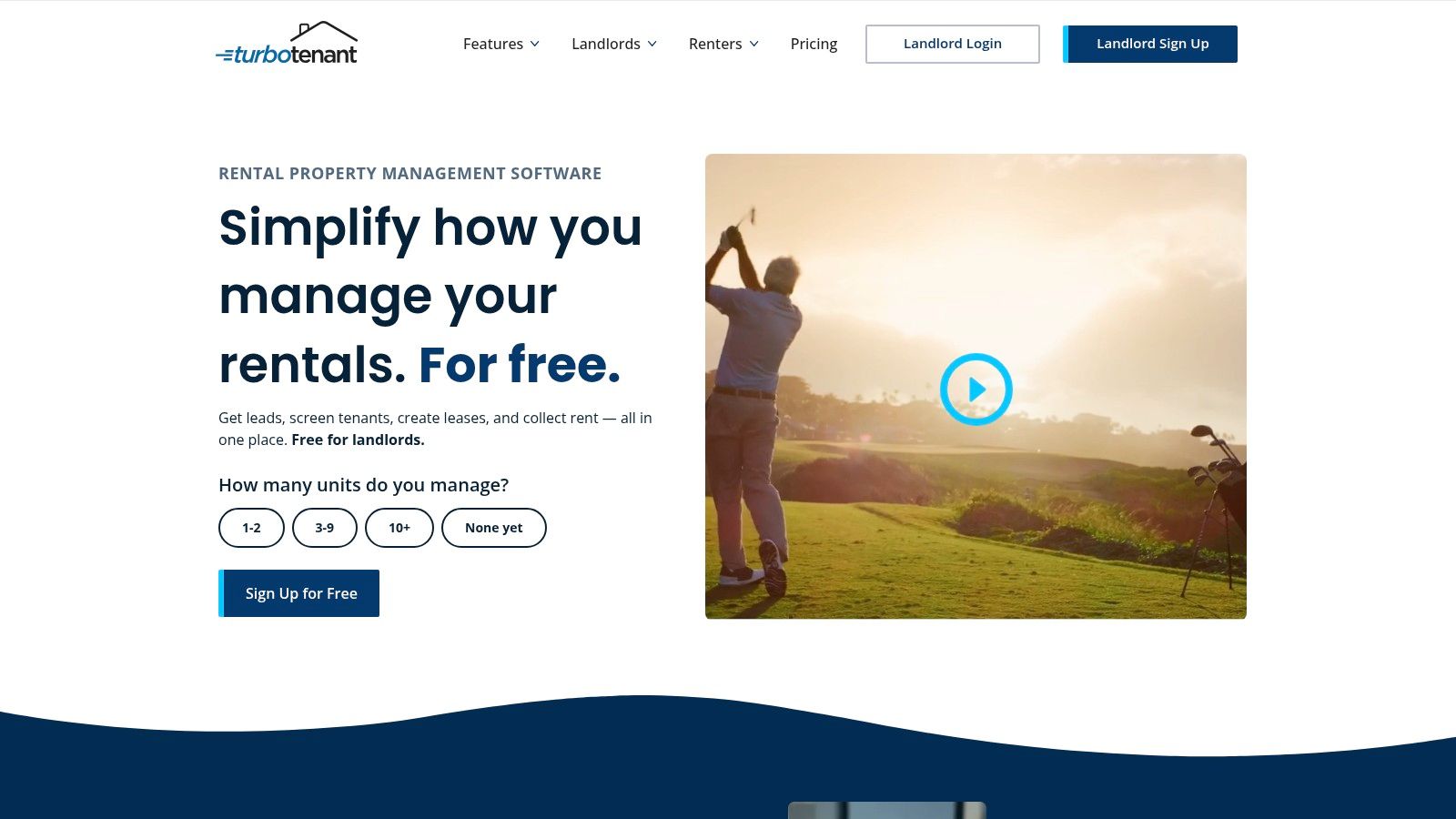
The user experience is clean and guided, making it simple to navigate from listing a vacancy to collecting rent. A key differentiator is its freemium model; while core services are free for landlords (some costs are passed to tenants), a Premium plan unlocks valuable add-ons like faster rent payouts, state-specific lease agreements, and e-signatures. Its tenant screening services are particularly robust, providing detailed credit and criminal background reports, which are vital for placing reliable renters. If you want to dive deeper into this topic, our ultimate guide to tenant background checks offers a comprehensive overview.
Key Details & Usage Tips
Access: Web-based platform accessible from any device.
Cost: Free core plan for landlords; optional Premium subscription starts at $11.58/month (billed annually). Tenant-paid fees apply for screening and optional rent payment methods.
Pro Tip: Use the free plan to manage your entire portfolio from marketing to rent collection. Only upgrade to the Premium tier if specific features like expedited rent payouts or unlimited lease documents become a necessity for your operational workflow.
Pros & Cons
Pros | Cons |
|---|---|
Always-free core plan for unlimited units | Accounting and reporting tools are basic |
Strong tenant screening and marketing tools | Some fees are passed on to tenants |
Simple, user-friendly interface | Free plan lacks unlimited lease documents |
Website: turbotenant.com
10. RentRedi
RentRedi is a modern, mobile-first property management platform designed to give landlords full control directly from their smartphone. It excels at core landlord tasks like mobile rent collection, comprehensive tenant screening, and maintenance coordination, making it one of the best apps for landlords with smaller portfolios. The platform empowers landlords to manage unlimited properties and tenants on all plans, a significant value proposition compared to per-unit pricing models.
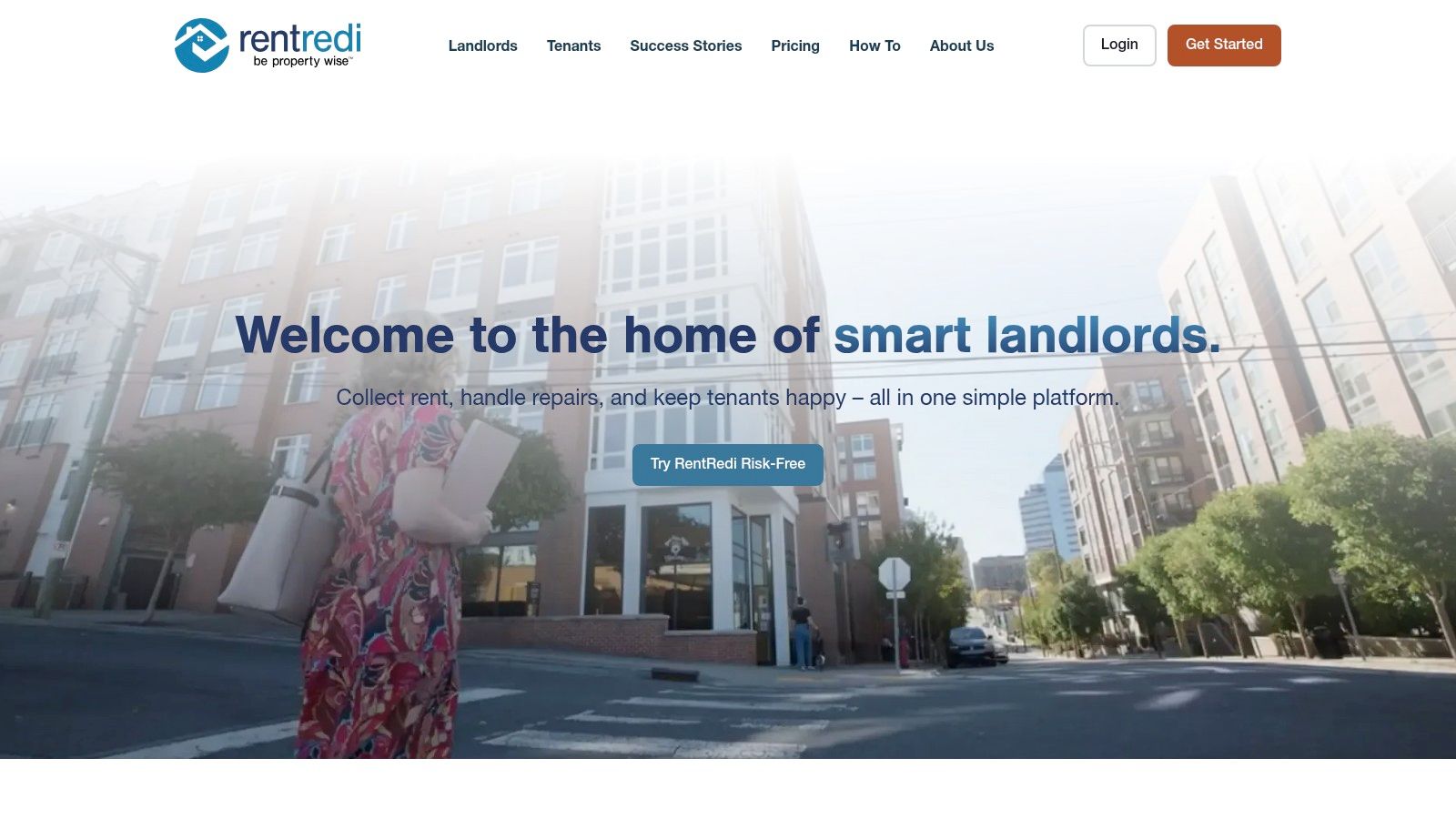
The user experience is clean and intuitive for both the landlord and the tenant, encouraging high adoption rates for features like autopay and in-app maintenance requests. RentRedi also offers valuable add-ons, including listings syndication to major rental sites, eSignatures, and even tools for generating a Schedule E report for tax season. Its combination of powerful mobile functionality and straightforward pricing makes it a top contender for DIY landlords.
Key Details & Usage Tips
Access: Available via web browser and native iOS/Android apps.
Cost: Subscription-based, starting at a low monthly rate. Plans are available monthly, quarterly, or annually with discounts for longer commitments.
Pro Tip: Encourage tenants to use the free RentRedi tenant app. This streamlines everything from rent payments (which they can pay via ACH, card, or even cash at retail locations) to submitting detailed maintenance requests with photos and videos.
Pros & Cons
Pros | Cons |
|---|---|
Strong mobile apps for landlords & tenants | Some key features are gated to higher plans |
Very low entry-price point for core tools | Screening and payment fees can be passed to tenants |
Unlimited properties on all pricing tiers | Fewer advanced accounting tools than competitors |
Website: rentredi.com
11. Hemlane
Hemlane uniquely blends property management software with optional, human-powered services, making it one of the best apps for landlords who want to self-manage with a professional safety net. Its hybrid model allows you to automate core tasks like rent collection and maintenance requests while outsourcing specific, time-consuming jobs like 24/7 repair coordination or local leasing activities to licensed agents. This makes it an ideal fit for remote landlords or those with scattered single-family homes who can't be physically present for every issue.
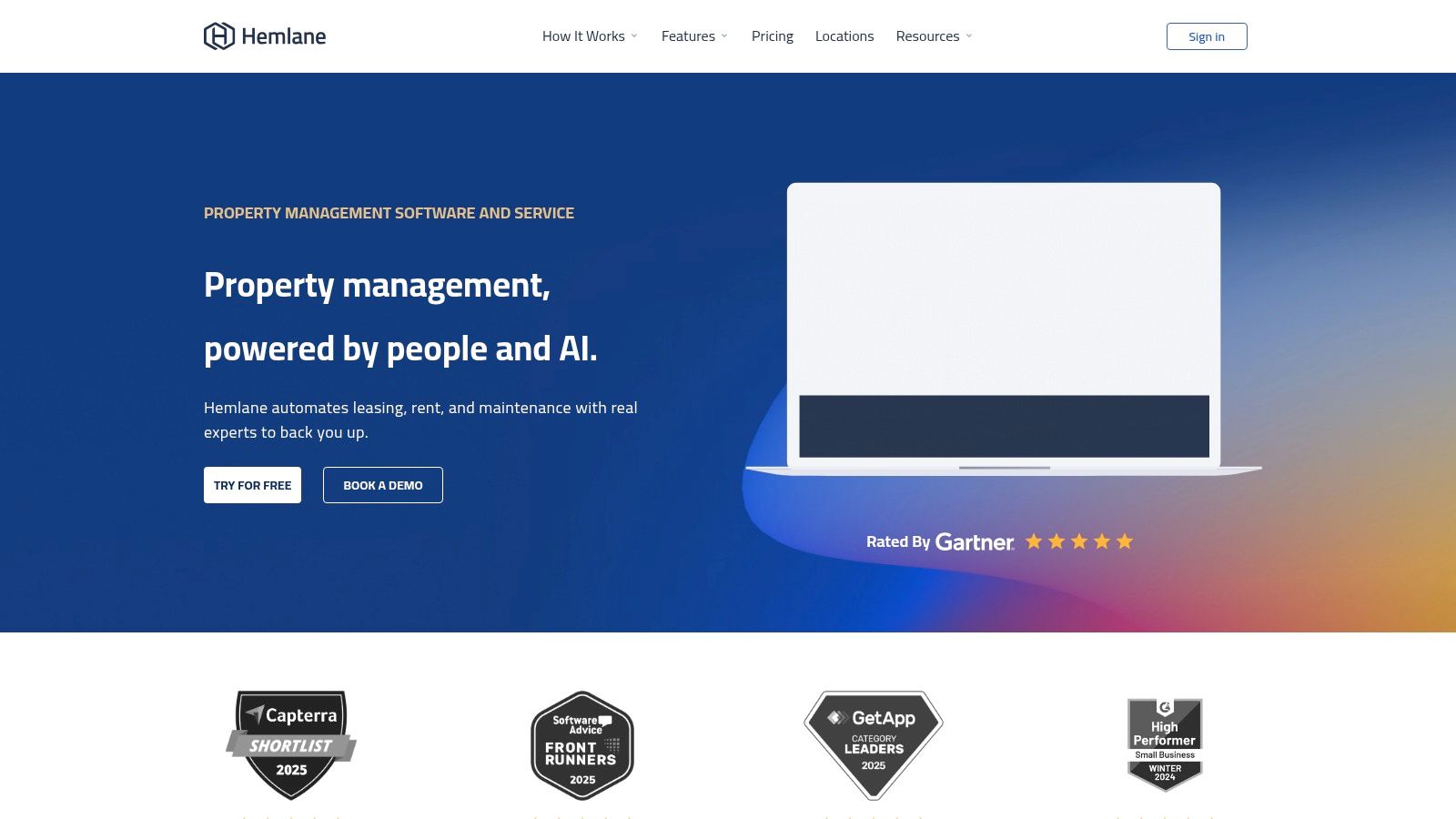
The platform’s real strength is its flexibility. You can start with a basic software-only plan and then add on services as needed, such as connecting with a local agent for showings or having Hemlane’s team handle late-night tenant maintenance calls. This a-la-carte approach gives you control over your costs and involvement level, bridging the gap between DIY management and hiring a full-service property manager.
Key Details & Usage Tips
Access: Web-based platform with a mobile-responsive interface.
Cost: Starts at $30/month (base fee) + $2.50 per unit/month for the basic software tier. Service-based tiers have higher base and per-unit fees.
Pro Tip: Evaluate the "Complete" package if you own properties in a different state. The combination of local agent leasing support and centralized 24/7 repair coordination can solve major logistical challenges for out-of-state investors.
Pros & Cons
Pros | Cons |
|---|---|
Flexible tiers from DIY to service-backed | Base + per-unit pricing can get expensive |
Human support for repairs and leasing | Some add-ons are priced separately |
Solves key pain points for remote landlords | Not as feature-rich as some all-in-one software |
Website: www.hemlane.com
12. Zillow Rental Manager
For landlords whose top priority is filling vacancies quickly, Zillow Rental Manager is an indispensable tool. Its primary strength lies in its unparalleled reach, syndicating your rental listing across Zillow, Trulia, and HotPads to tap into the largest active renter audience online. This makes it one of the best apps for landlords focused on maximizing lead flow and minimizing the time a property sits empty. The platform is not just for listings; it also provides an integrated suite for managing the entire rental lifecycle.
Beyond advertising, the platform offers a streamlined process for accepting applications, running tenant screening reports, and creating state-specific lease agreements. Once a tenant is placed, you can manage rent collection directly through the portal. While it may not have the in-depth accounting features of a dedicated property management suite, its free core services for listing and management make it a powerful, low-cost starting point for independent landlords.
Key Details & Usage Tips
Access: Web-based platform with a companion mobile app.
Cost: Free for basic listings, applications, leases, and ACH rent payments. Optional premium listing upgrades and applicant-paid screening reports are available.
Pro Tip: To make your listing stand out, invest in high-quality photos and consider using Zillow’s 3D Home tour feature. Respond to inquiries promptly, as renter response time is a key factor in securing a quality tenant on a high-traffic platform.
Pros & Cons
Pros | Cons |
|---|---|
Massive renter audience for fast lead flow | Limited accounting and owner reporting features |
Free for core listing and management tools | Premium listing exposure requires a paid upgrade |
Integrated applications and tenant screening | Not as comprehensive as dedicated management suites |
Website: zillow.com/rental-manager
Top 12 Landlord Apps — Features & Pricing Comparison
Service | Core features | UX & Quality | Price / Value | Target audience | Unique selling point |
|---|---|---|---|---|---|
Apple App Store (iOS/iPadOS) | Curated landlord apps, one‑tap install, privacy labels | ★★★★ — curated & secure | 💰 App‑dependent; many freemium | 👥 iPhone/iPad landlords, iOS‑first teams | ✨ Curated apps + privacy & seamless updates |
Google Play Store (Android) | Large app catalog, reviews, device syncing | ★★★★ — broad selection; variable quality | 💰 App‑dependent; competitive pricing | 👥 Android landlords, tablet/Chromebook users | ✨ Wide app availability & install metrics |
Buildium | Accounting, eLeases, maintenance, owner/tenant portals | ★★★★★ — mature workflows & integrations | 💰 Higher entry; strong ROI for scale | 👥 Small–mid portfolios, professional managers | 🏆 Comprehensive accounting & integrations |
AppFolio Property Manager | Enterprise accounting, AI workflows, investor tools | ★★★★★ — enterprise‑grade robustness | 💰 Premium pricing; sales/minimums | 👥 Large portfolios & enterprise PMs | 🏆 Scale + AI‑assisted features |
DoorLoop | Online payments, screening, maintenance, API/Zapier | ★★★★ — fast setup, transparent UX | 💰 Transparent plans; promos available | 👥 Small–mid US portfolios | ✨ Fast setup + clear pricing matrix |
TenantCloud | Rent collection, listings, inspections, reporting | ★★★★ — affordable & practical | 💰 Competitive flat monthly plans | 👥 DIY landlords to mid‑size owners | ✨ Flat plans with rent reporting options |
Avail (by Realtor.com) | Free core tools, state leases, screening, syndication | ★★★★ — strong starter toolkit | 💰 Free core; Plus per‑unit upgrades | 👥 New/DIY landlords (US) | ✨ Free unlimited tier + legal forms |
Innago | $0 landlord subscription, payments, work orders | ★★★★ — very easy to use | 💰 $0 landlord subscription; tenant fees apply | 👥 Very small portfolios / DIY landlords | 🏆 Free for landlords; low cost of ownership |
TurboTenant | Listings, screening, leases, rent collection (freemium) | ★★★★ — free core with paid extras | 💰 Always‑free entry; paid add‑ons | 👥 Entry‑level landlords wanting free tools | ✨ Unlimited properties on free tier |
RentRedi | Mobile rent collection, payments, eSign, reporting | ★★★★ — mobile‑first, user‑friendly | 💰 Low entry price; some gated features | 👥 Small landlords preferring mobile apps | ✨ Strong mobile UX + unlimited properties |
Hemlane | Rent/leases + optional repair coordination/local agents | ★★★★ — hybrid software + human support | 💰 Base + per‑unit; add‑ons extra | 👥 Owners of scattered SFRs & small multifamily | ✨ Optional local agent & 24/7 repair coordination |
Zillow Rental Manager | Listings to Zillow/Trulia/HotPads, screening, payments | ★★★★ — massive audience; basic reporting | 💰 Free core; premium exposure paid | 👥 Landlords focused on lead flow & listings | 🏆 Largest renter audience for fast leads |
Choosing Your App vs. Partnering with a Pro
Navigating the landscape of property management technology can feel overwhelming, but as we've explored, the right digital tools can transform a chaotic rental business into a streamlined, profitable venture. We've dissected a dozen of the best apps for landlords, from comprehensive, all-in-one solutions like Buildium and AppFolio to more accessible, DIY-friendly platforms like Avail and TurboTenant. Each offers a unique combination of features designed to tackle the core pillars of property management: rent collection, tenant screening, maintenance coordination, and financial tracking.
The central takeaway is that there is no single "best" app for every landlord. The ideal solution depends entirely on your specific context. A landlord managing a single-family home will have vastly different needs than an investor with a 50-unit apartment complex. The key is to move beyond feature lists and honestly assess your own operational pain points, portfolio size, and long-term business goals.
Making the Right Choice: From DIY Tech to Full-Service Management
Selecting the right application is a strategic decision that hinges on self-assessment. Before committing to a subscription, consider the following critical factors:
Portfolio Size and Complexity: Are you managing one duplex or a diverse portfolio of multi-family properties? Tools like TenantCloud and Zillow Rental Manager are excellent for smaller portfolios, while platforms like DoorLoop and AppFolio are built to scale.
Your Time Commitment: Be realistic about how many hours you can dedicate to management each week. A powerful app saves time, but it still requires you to be the one answering the phone, scheduling the plumber, and handling tenant communications.
Technical Proficiency: While most modern apps are user-friendly, some, like Buildium, have a steeper learning curve. Choose a tool with an interface you find intuitive to ensure you actually use it to its full potential.
Budget and Pricing Structure: Evaluate the cost relative to the value provided. Free tools like Innago are compelling, but paid platforms often provide deeper accounting, robust reporting, and dedicated support that can save you from costly mistakes down the line.
The journey into leveraging technology often starts with a single app to solve an immediate problem, like automating rent collection. As your needs evolve, you might adopt a suite of tools or graduate to a more comprehensive property management software. This evolution is a sign of a growing, successful rental business.
When Is a Property Manager the Ultimate "App"?
For many landlords, the ultimate efficiency upgrade isn't another piece of software; it's delegating the work entirely. The best apps for landlords are powerful assistants, but they can't replace the experience, local market knowledge, and human touch of a professional property manager. As your portfolio grows, or as your desire for a truly passive income stream intensifies, the cost of a management partner often becomes an investment rather than an expense.
Think about the true cost of your time. Every hour you spend chasing rent, coordinating repairs, or vetting applicants is an hour you could be spending finding your next investment, focusing on your primary career, or simply enjoying your life. Technology is a phenomenal tool for efficiency, but professional management is a tool for freedom. The right partner leverages the best of this technology on your behalf, handling the day-to-day operational grind so you can focus on the high-level strategy of growing your wealth.
At Keshman Property Management, we bridge the gap between powerful technology and expert human oversight. We utilize industry-leading software to streamline every aspect of management, from marketing to maintenance, all backed by 20 years of hands-on experience in the local market. If you're ready to graduate from DIY management and experience truly passive rental income, learn more about our full-service solutions at Keshman Property Management.


Comments